Instruction
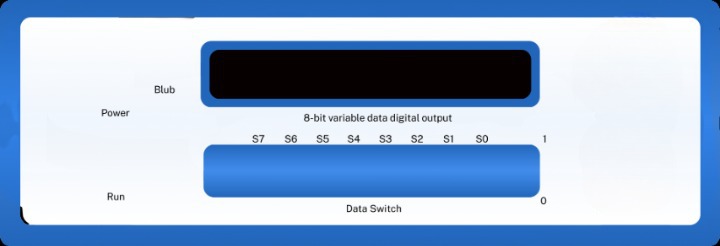
1. First Turn on 8 Bit Variable data generator using power switch which helps to generate the data signal from given data
2. Change the orientation of data switch as per your data, for 0 toggle it up to vice versa.
3. Check the data again from S0 to S7 bit and the amplitude and frequency of message signal.
4. Click on RUN button to generate the FSK signal
5. Observe the graph and download it from right to top corner of graph in png , jpeg , and pdf format.
6. To decode the FSK signal click the decode button shown below.